Black Friday + Cyber Monday Special! New customers get 30% off their first month with code FLASH30 at checkout.

Virtual phone numbers to send and receive SMS online for business

Get your business a virtual phone number to send and receive SMS and text messages online for U.S. and Canadian phone numbers. Text from our website-based service or mobile apps.
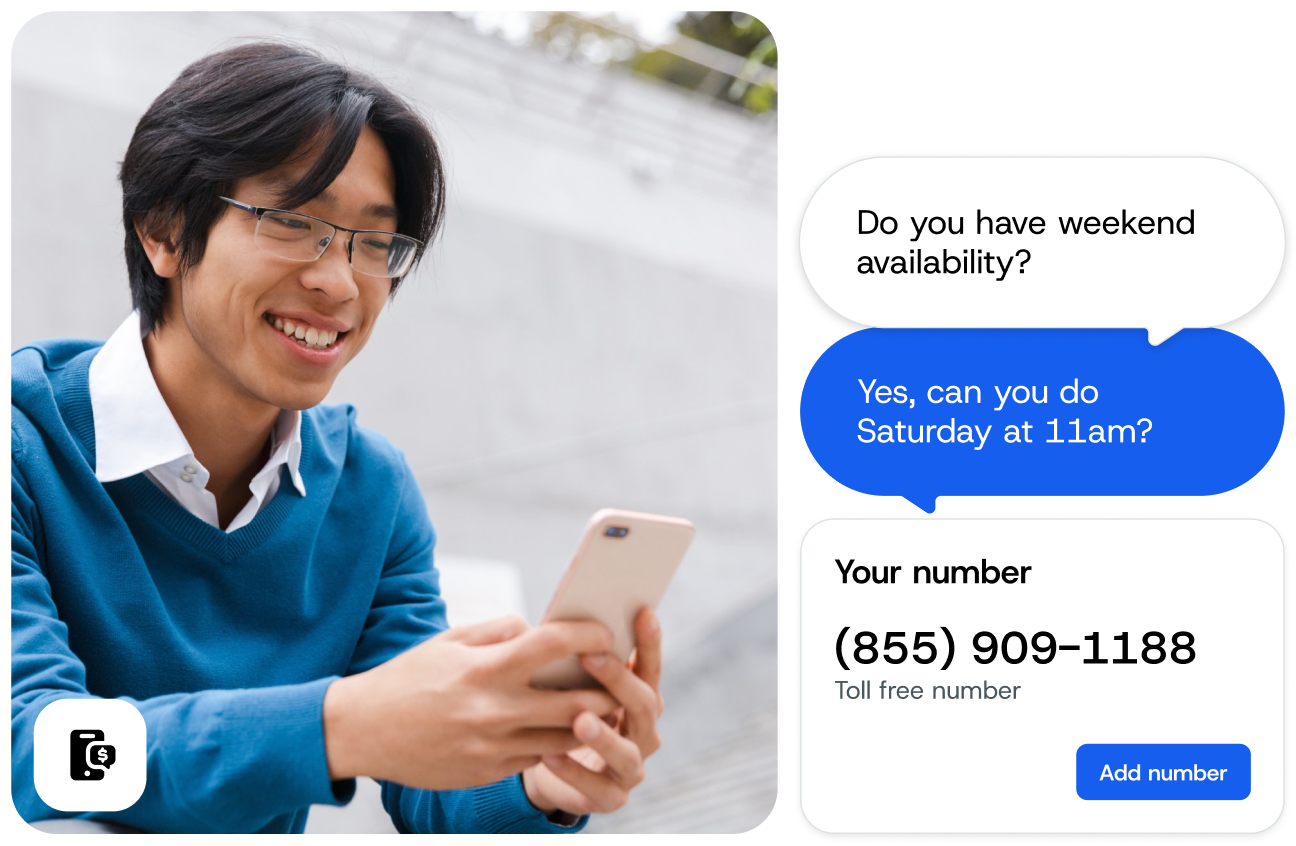
  • Choose a dedicated short code, 10-digit long code, or toll-free number as your online phone number.
  • Forward calls from your online SMS number to a phone.
  • Send text blasts and receive SMS from individuals for one-on-one conversations.
Image for Virtual phone numbers to send and receive SMS online for business
THOUSANDS OF NORTH AMERICAN BUSINESSES USE OUR SMS PHONE NUMBERS

What are virtual phone numbers?

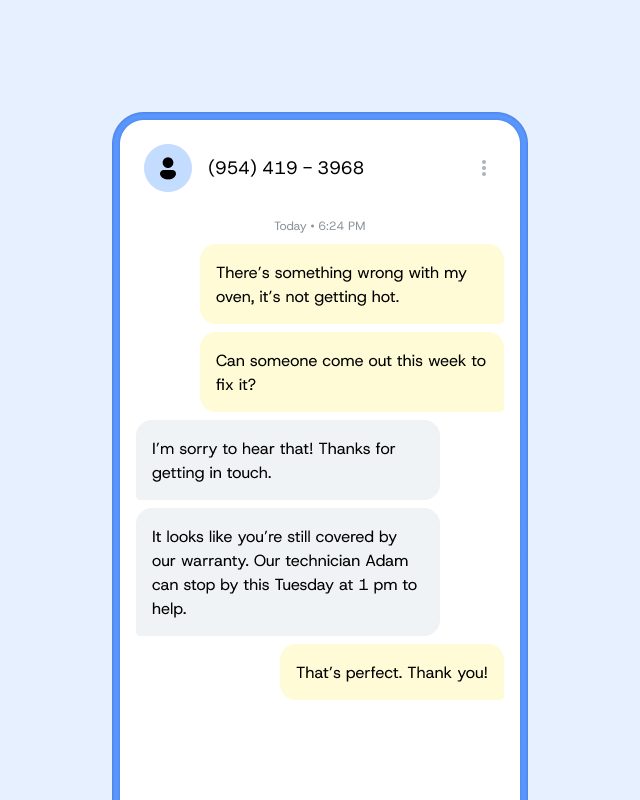
A virtual SMS phone number enables your business to send and receive SMS text messages online over the internet without having to use a physical phone.

Given that one-third of consumers prefer to contact a business via text message over any other communication channel, having a text-enabled virtual phone number is a big part of meeting customer expectations.

Like a real phone number, your online virtual phone number is unique to your business. You can use your business’s existing phone number or get a new phone number to text online. If you choose a new virtual phone number, you can set up call forwarding to direct calls to a physical phone, too. Your virtual phone number allows you to send bulk SMS, receive SMS online, and respond to individuals. With a business text messaging platform like SimpleTexting, you can start texting from your virtual phone number to numbers in the U.S., Canada, and some mobile carriers in the Caribbean.

How do virtual phone numbers work?

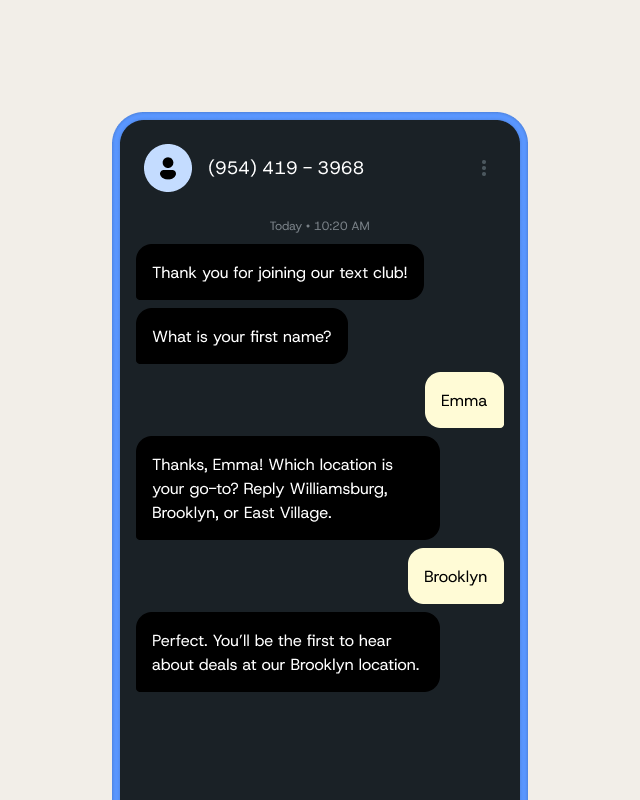
1. Choose your number

You can text-enable a current phone number, choose a new toll-free number, register a new 10-digit number with an area code local to your business, or apply to provision a dedicated short code.
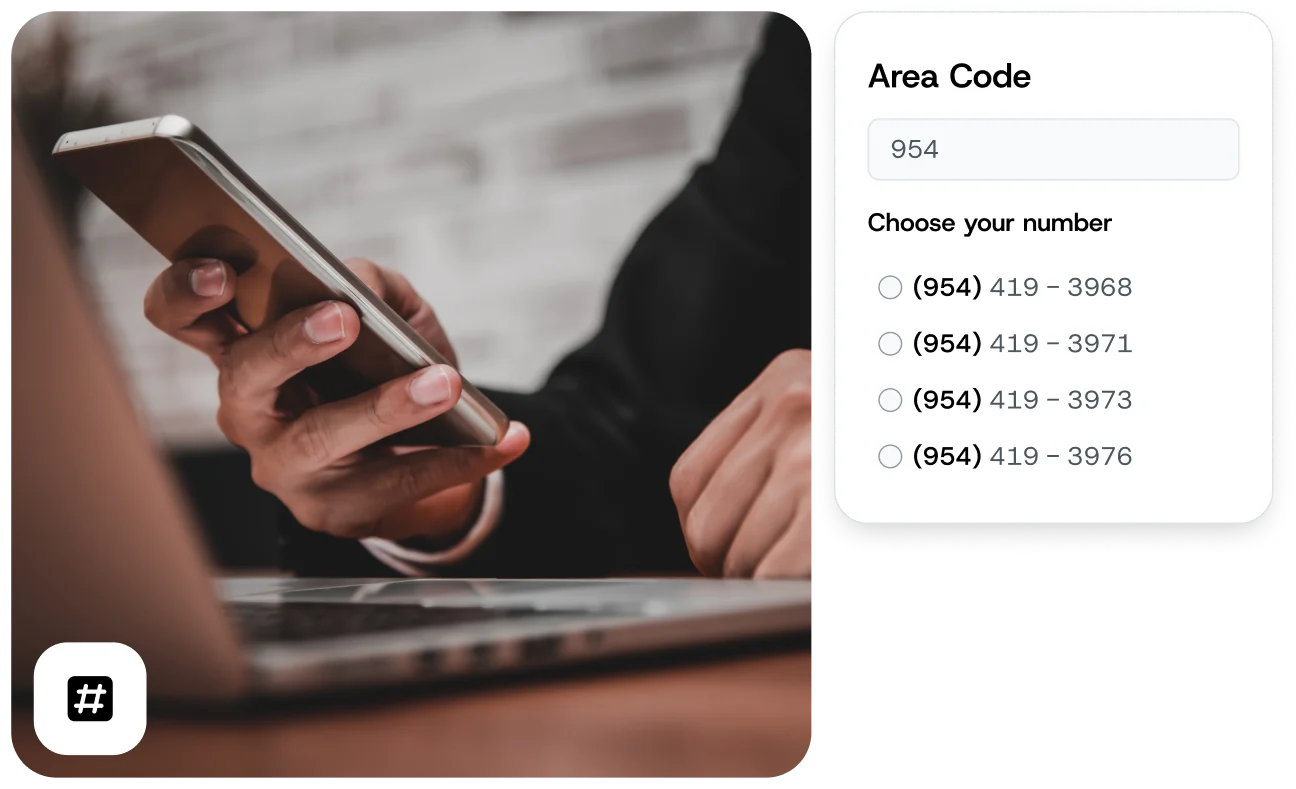
  • Text-enable an existing number to send and receive SMS
  • Provision an easy-to-remember 6-digit dedicated short code
  • Register a new number with your local area code
  • Get a new toll-free phone number
Image for 1. Choose your number

2. Send text messages online

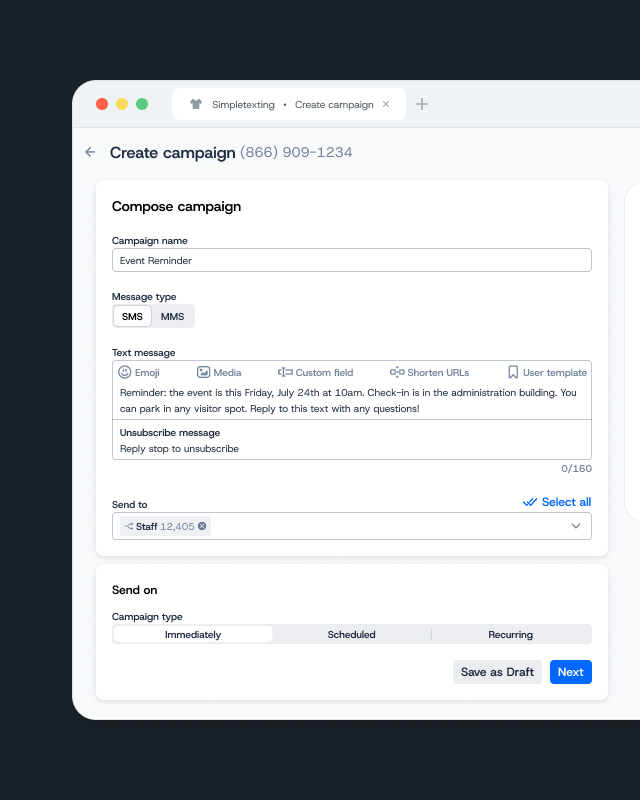
Now that you have a virtual SMS phone number, you can send your first SMS — or MMS — message. You can text any number of contacts at once — from one to thousands.

  • Text customers, employees, volunteers, and more
  • Send text-only messages or include rich media like images, GIFs, PDFs, and more
  • Schedule texts to send at a set time in the future or send right away
  • Automate appointment reminders and confirmations, alerts, and more
Image for 2. Send text messages online

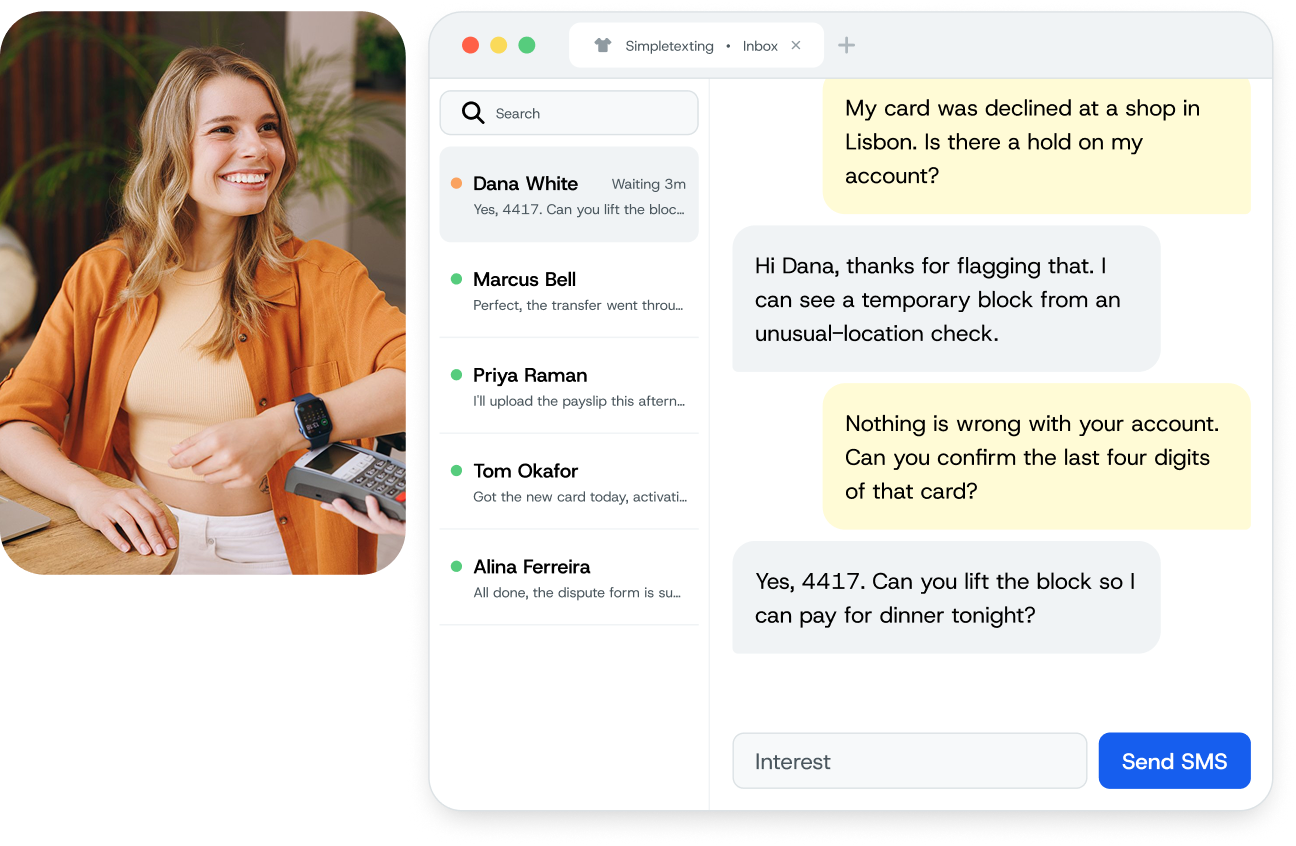
3. Receive SMS online

Receive SMS and MMS messages for free and use our simple Inbox to manage your business’s two-way messaging.

  • Mark conversations as resolved or temporarily hide them
  • Filter and prioritize conversions
  • Assign conversations to team members
Image for 3. Receive SMS online

Types of online phone numbers

Whether your business needs to engage contacts 1-on-1 or send mass text marketing campaigns, our team can help you select the right virtual phone number.

Toll free phone number

We can help you get and verify a toll-free number to avoid disruptions to your traffic from carriers.

Local phone number

Would you prefer to use a number with your area code? We can help you register one to avoid traffic disruptions.

Your existing phone number

We can text-enable your current landline or VoIP number! You’ll still receive calls just like today.

Dedicated short code

A dedicated short code is a 5- or 6-digit number that’s often used to send high volumes of messages. We can help you lease and register a short code.

Virtual phone numbers vs. traditional phone numbers

Virtual SMS phone numbers

  • Usable on nearly any device
  • No need to use your personal cell phone number
  • Separate personal and professional communication
  • Multiple team members can send, receive, and respond from one number
  • Access all messages with one platform online and with mobile apps
  • Text many contacts at once — dozens, hundreds, or thousands
  • BCC mass texts keep contact lists anonymous
  • Send group text messages without reply all
  • Automate SMS workflows with auto-responses and campaigns
  • Integrate with business tools and apps to automate texts

Traditional SMS phone numbers

  • Tied to a specific phone and location
  • Unable to separate business from personal on the same device
  • Have to share multiple numbers for multiple team members
  • No dedicated system for business text messaging and inbox
  • Limited to 20-25 maximum contacts for group texting
  • Text recipients see all phone numbers in group texts
  • Everyone gets replies from group texts
  • Unable to automate responses for many use cases

How you can use your virtual SMS number

Customers don’t want long hold times, slow responses, and confusing email threads. Delight them by adding the efficiency and convenience of SMS customer service.

With a virtual SMS number, you can give your customers an easy and quick way to make reservations and schedule appointments. You can also use your number to send automated reminders to reduce no shows.

Send shipping and delivery notifications directly from your virtual SMS number.

Using a toll-free, local, or short code phone number, you can send mass campaigns to everyone who’s opted into your list. You can use these messages to launch new products or send coupon codes.

Texting is the perfect medium for sending customer satisfaction surveys and noninvasive follow up touches that contribute to overall customer retention efforts.

Image for How you can use your virtual SMS number

How to get a virtual business phone number

Want an online phone number to receive text for your business? Follow these three steps.

1. Sign up for a free trial.

When you sign up for a 14-day trial of SimpleTexting, you’ll get a temporary virtual number to try out the features. 
Keep in mind that you’ll get 50 messaging credits, and any texts you send will include a SimpleTexting watermark. This way, you can try before you buy.

2. Upgrade to a paid account.

If you like what you see, upgrade to a paid SimpleTexting account. You’ll see a prompt to choose between virtual number types like local numbers, toll-free numbers, and dedicated short codes.
Have an existing number you want to use? Reach out to our customer support team to see if it’s eligible to be text-enabled.

3. Choose a number from our virtual number pool. 

Depending on which number type you select, you’ll need to register it with wireless carriers. 
This is an industry-wide standard, and we make the process super simple. You’ll fill out some information about your business, and our customer support specialists will handle the rest.

Why should you get a virtual SMS number from SimpleTexting?

Find out why SimpleTexting is the best texting service to help you separate business texts from personal messages.

Manage on-the-go

Send and receive SMS from our easy-to-use web interface or mobile app. All you need is a smartphone or laptop and internet access.

Receive SMS online

Receive texts online free of charge. Some business texting providers charge you for incoming texts. SimpleTexting doesn’t.

Connect your apps

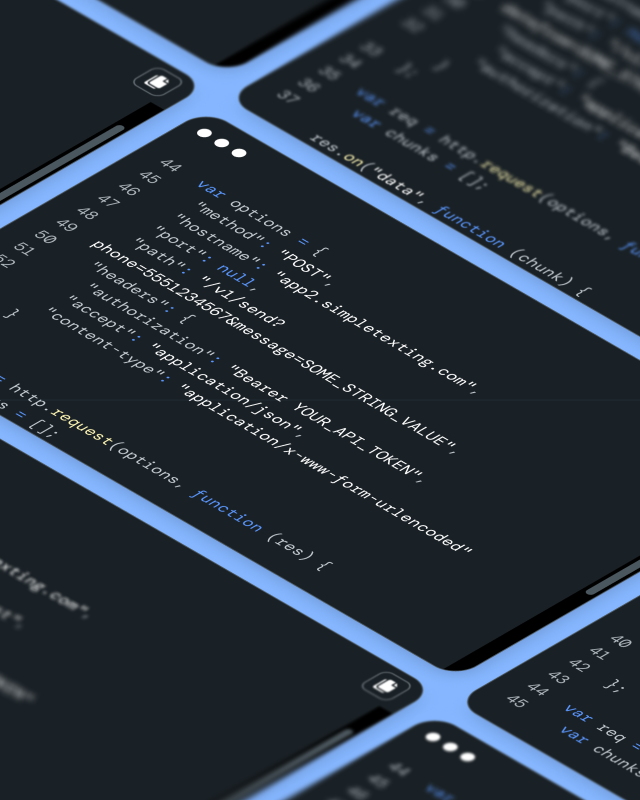
Take advantage of our SMS API or connect with more than 1,000 different apps through Zapier. Integrate SMS with all of your favorite tools from Mailchimp to Shopify.

Reduce costs

While virtual phone numbers aren’t free, SimpleTexting’s pricing is straightforward and scalable. You can start with 500 credits and a local virtual number for $39.

Dedicated support

We pride ourselves on providing award-winning support, 7 days a week. We’re available via chat, call, and email (see our hours in the footer of this website).

No contracts

There are no hidden fees, cancellation charges, or contracts involved. You can stop using your virtual SMS number whenever you want, or even pause your account.

Forward calls to another number

Set up call forwarding from your virtual phone number to your personal number so you never miss a chance to connect.

Frequently asked questions about getting a text-enabled number

Below is a list of frequently asked questions regarding our virtual SMS mobile numbers.

At this time, we only support the U.S., Canada, and some mobile carriers in the Caribbean. Within these countries, we offer a complete range of phone number types to choose from.
Yes you can. Once an 800 number (toll-free number) is text-enabled, it can receive and send text messages. You can learn more about using toll-free phone numbers for text messaging here.
Plans begin at $39/mo for 500 SMS messages, and we never charge for incoming SMS messages. All you pay for is outgoing texts.
If you plan on sending text blasts, then you’ll need a dedicated virtual SMS number. This is because your phone’s default messaging app only lets you text around 10 people at once (and doesn’t provide the legally required ability to opt out of your messages).
Not only are virtual phone numbers convenient and inexpensive, but they are also extremely safe. Businesses of all sizes that need to reliably deliver messages trust our platform to send them securely.
No, you cannot get a phone number for free texting online. SimpleTexting starts at $39/month for 500 credits with a toll-free number.

Still not convinced? Read reviews about our virtual SMS numbers

The best service for nonprofit organizations

“This is the best messaging service that I have found for small nonprofit organizations. We only pay for what we use and they are very transparent about costs and fees. Previous services have surprised us with hidden fees and locked us into months of service, but not SimpleTexting. I love that we can use our landline number for texting. Plus, their customer service is personalized and excellent!”

Same-day setup

“I wanted something simple where I could use my business number for texting back and forth. From start to finish, the SAME DAY, these guys made it happen, and for a totally reasonable price. I can’t recommend them enough.”

Super helpful number setup

“It is great to break into different markets with a dedicated short code. SimpleTexting has been super helpful and very beneficial in helping us set this up. We love to see the data and subscription rates across different cities/markets/channels and SimpleTexting allows us to do that flawlessly.”

Easy to use

“I like how easy it is to use for the average office worker. We have never used a texting service before and I was able to set this up and use with our clients with minimal effort.”