Navigating SMS
The perfect texting tool for automatic follow-ups, drip campaigns, weekly tips, and more.
No credit card required
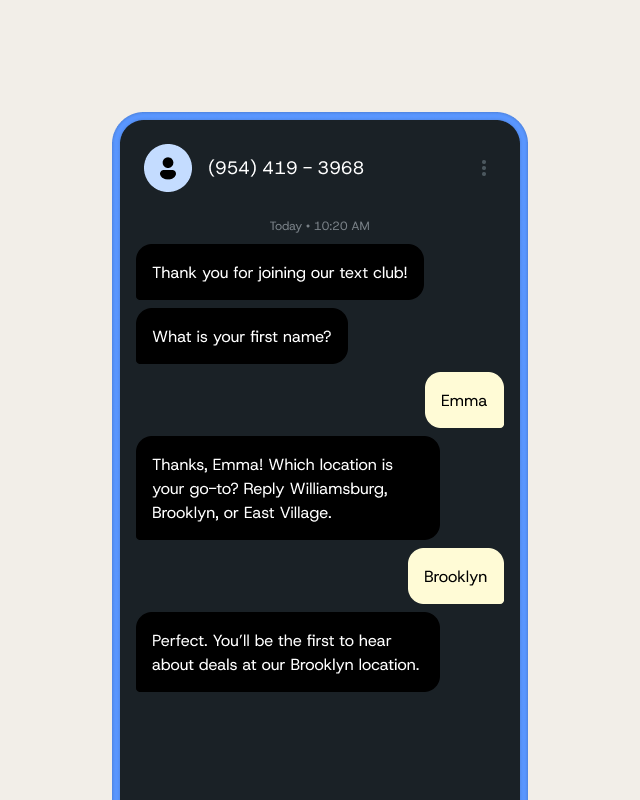
Set up a series of automatic text messages that begin at a specific time, such as weekly tips or a promotional offer as soon as a contact first subscribes. This allows you to connect with contacts without having to launch SMS campaigns manually.

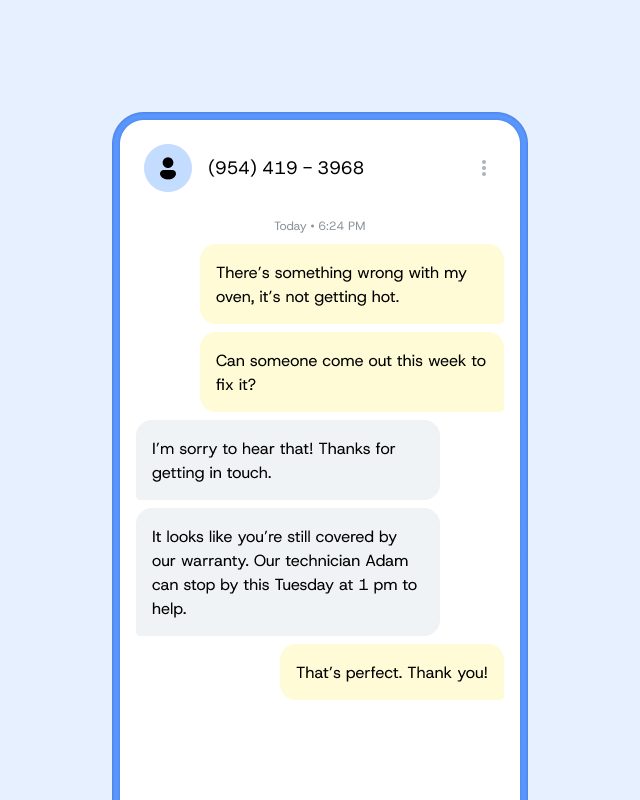
Whether you’re nurturing leads, supporting customers, or sharing updates, autoresponders help you stay consistent and efficient—no manual typing required. Here’s how different industries use them:
SMS autoresponders are automated text messages that go out when a specific trigger happens—like a new subscriber joining your list, someone texting a keyword, or completing a form. By sending these messages automatically, you ensure immediate engagement, save time on manual follow‐ups, and consistently deliver important information right when it’s needed.
What I love about autoresponders is that, at least in the first 90 days, if I don’t hear back from someone I know that about three weeks later, it’s going to hit them again. And then after that, it’s once a month up to 18 months. It allows me to have a long-term conversation with people in a way that’s not invasive.
Here’s a quick walk-through on setting up an Autoresponder message with SimpleTexting
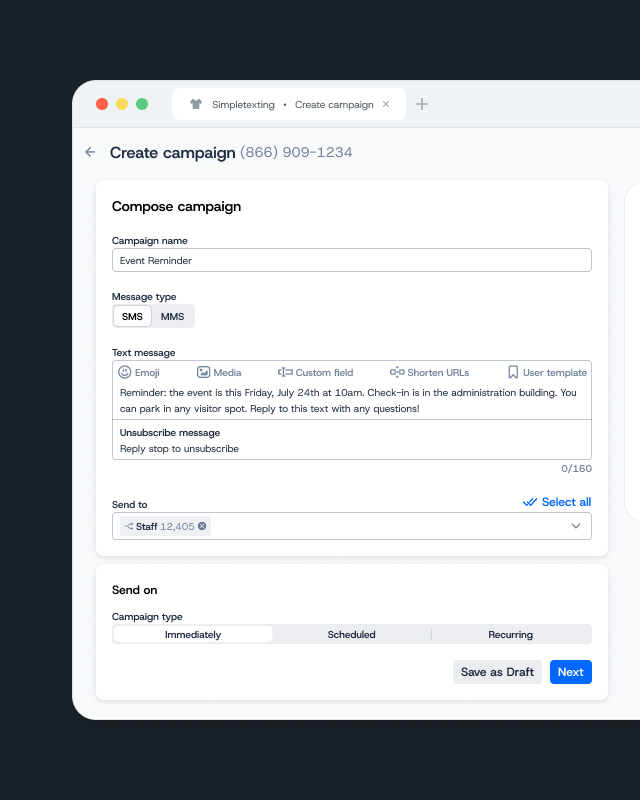
After logging in to SimpleTexting, click Autoresponders on the left-hand side, then New autoresponder. Next, give it a name—don’t worry, this won’t be visible to subscribers. Select the list you’ll be sending the message out to, then choose to send your Autoresponder as either SMS or MMS. Now you’ll compose your message. Set the delay time for the message (anywhere from minutes, hours, days, weeks, or months), click Save autoresponder, and you’re done!