Beyond Texting
How to write an event reminder message
Learn how to craft a persuasive event reminder message that gets more attendees in the door.

If you’ve run events before, you know how important it is to have a good turnout — not only because you want the event to be a success, but also because you put weeks or even months into planning it.
I know from running webinars and helping with charity events in the past that it can be a bit of a head-scratcher to figure out how to draw people in and get them to attend.
Luckily, texting takes a lot of the guesswork out of increasing event attendance. Follow the simple steps and best practices I’ve outlined below and you’ll have an attention-getting event reminder message.
Why use SMS for event reminders?
First off, I know we’re mostly all familiar with the usual email invites and mail-in invitations that come ahead of any big event, so why would I recommend texting as a better alternative?
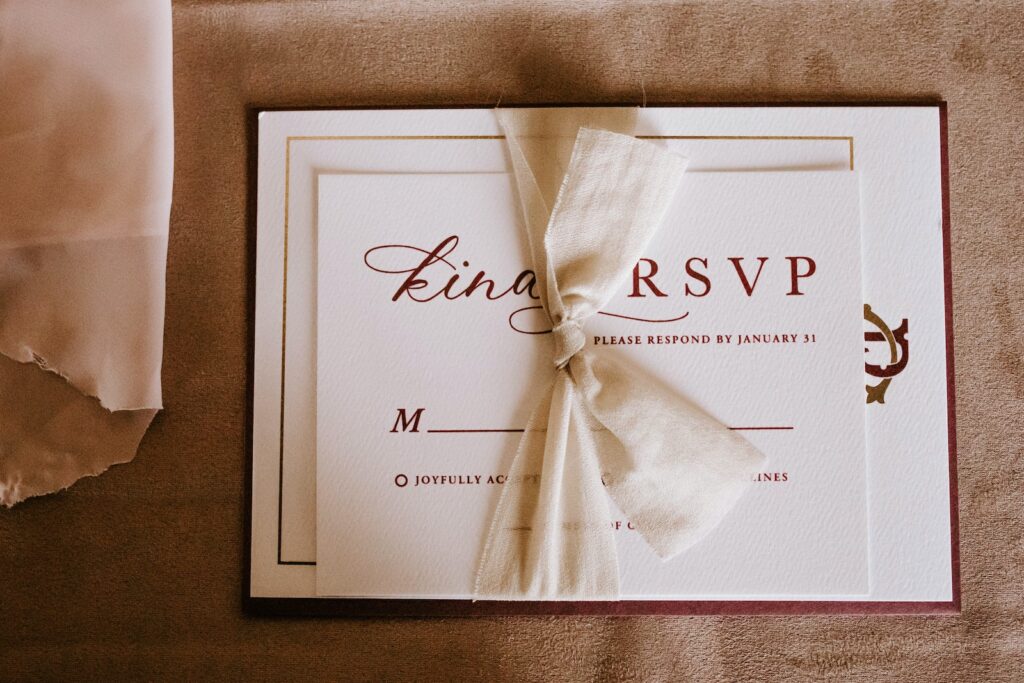
Well, there are a few reasons.
- It’s everywhere. On average, Americans check their phones over 96 times a day, so it’s almost guaranteed that they’ll see your text.
- It’s personal. When you send texts to your event invitees, you show up next to messages from their family and friends, lending more trust to your organization and the messages you send.
- It’s reliable. Texts won’t disappear into spam folders the way emails do, and, by the way, 80% of people check their SMS notifications in under five minutes of receiving texts.
- It’s fast. Texts take only seconds to write and send, meaning you can get event reminders sent out quickly and move on to other tasks.
- It’s trackable. If you use an SMS platform and include a link to your event page in your text, you can keep track of the number of people who clicked on your link to calculate your click-through rate.
How to build the perfect reminder message for your event
Now you know why SMS works and it sounds like a good option for increasing your event’s attendance. But where do you start when writing out your event reminder message?
Here are a few guidelines to follow for the ideal event reminder.
- Clearly communicate your event’s value. Make sure your invitees know exactly what they’re going to gain from coming to your event. Highlight the benefit(s) in your reminder message and, to sweeten the deal, consider incentivizing possible attendees with a discount on tickets or a special giveaway.
- Keep it short. SMS only gives you 160 characters to work with, and while you could use the longer 1600-character MMS format, no one really wants to read a novel in a text. Just stick to the necessary details.
- Keep it clear. While we’re talking about details, make sure you include all the information your guests need to know — time, date, parking instructions, attire, and so on.
4 versatile event reminder message samples
Still need a little inspiration as you start writing your text event reminders? I’ve got you covered. Just take these templates to use for your next round of event reminder messages.
Webinar reminder
Use this format to invite guests to an upcoming webinar or online presentation.
Conference reminder
Got a big professional conference coming up? Pack the ballroom with this example.
Team meetup reminder
Bring the whole work team together for a fun, productive get-together in a few clicks.
Fundraiser reminder
It takes a village to support a good cause, so make sure you’re staying top-of-mind with your donors and community members.
Event reminder SMS best practices
Almost there! Before you start sending out reminders, keep a few key details in mind.
- Make sure you have consent to text invitees. This is the best way to stay compliant with texting regulations. Use an opt-in method (like a keyword or web form) that requires contacts to agree to receive your texts and clearly states what kind of messages you’ll send, how many, and how contacts can opt out.
- Don’t send too many reminders. One or two will do. I recommend sending one reminder the week before your event and one 24 or 48 hours beforehand. It’s just enough to make sure invitees remember, and not enough to annoy them.
- Personalize your reminders. Texts with personal details like your contacts’ names will help motivate them to engage with your message and show up to your event.
- Show and tell. Words are great, and pictures and videos are even better. Use MMS to attach videos and photos related to your event or attach a PDF of your invite to the text.
The final word on event reminder text messages
If you’re hosting an event, you likely have something important to offer your attendees. Make sure they know how and when to participate by sending reminders in the most efficient and effective way possible — with SMS.
It’s convenient for both you and your guests, and you’ll be glad to have the reminder portion of your event setup done in a snap.