Best Practices
Gather contact insights to personalize your text message marketing.
No credit card required
With our text message data collection feature, you can collect even more information from your contacts. The more you know about your database of contacts, the smarter your marketing becomes. Plus, all of the info you collect is stored safely in your SimpleTexting account.
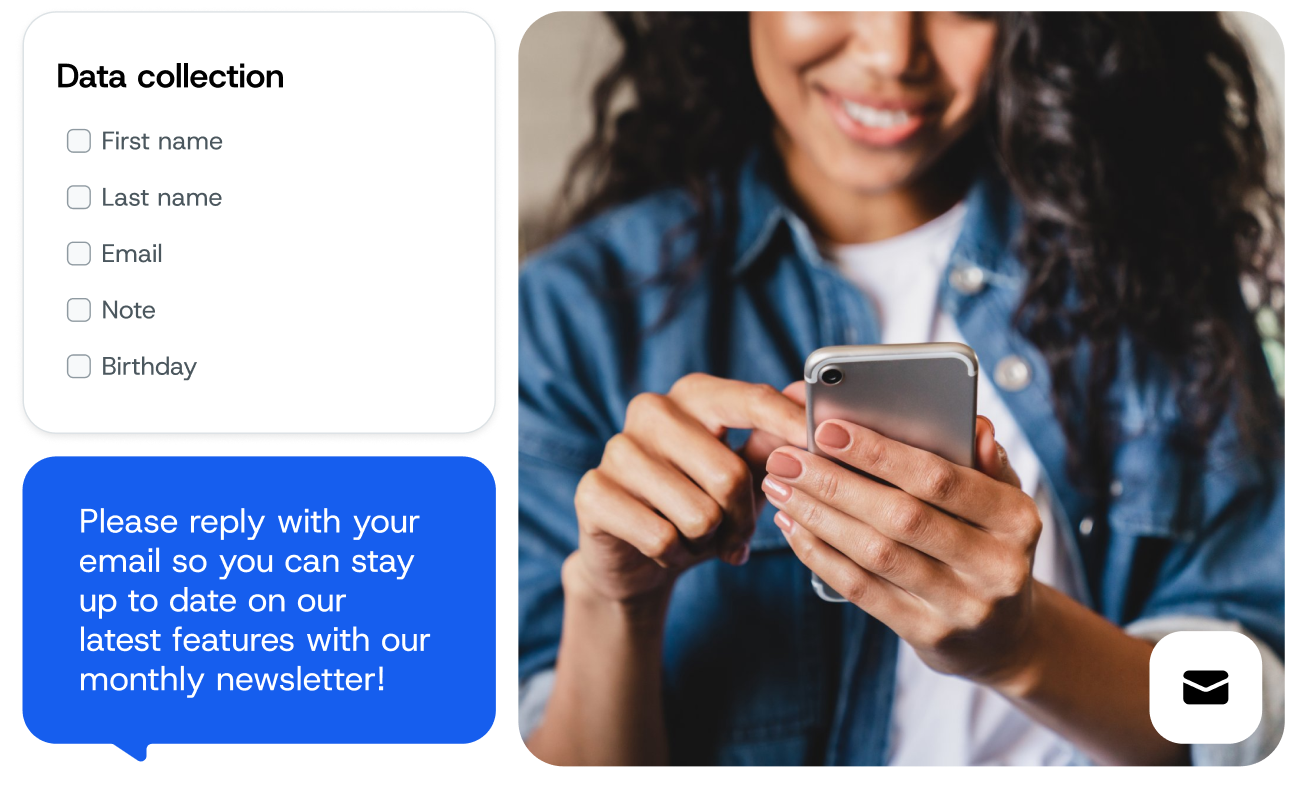
Here are just a few examples of what you can do when you gather data on your text message database.
We appreciated the ability to make it conversational, where guests are asked to reply back with their email and then that information is stored. That’s what set SimpleTexting apart for us.
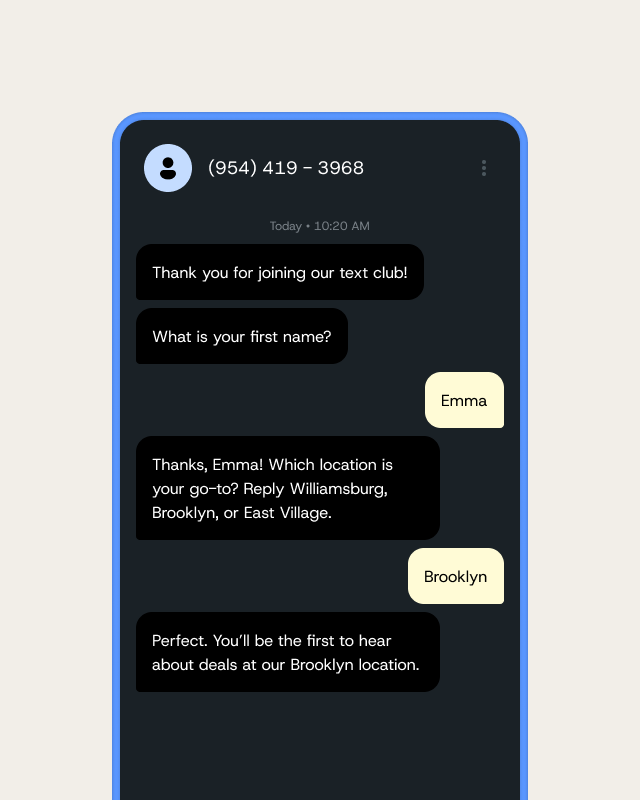
If you’re excited about the possibilities, then we have more good news: there is no manual SMS marketing data entry involved here.
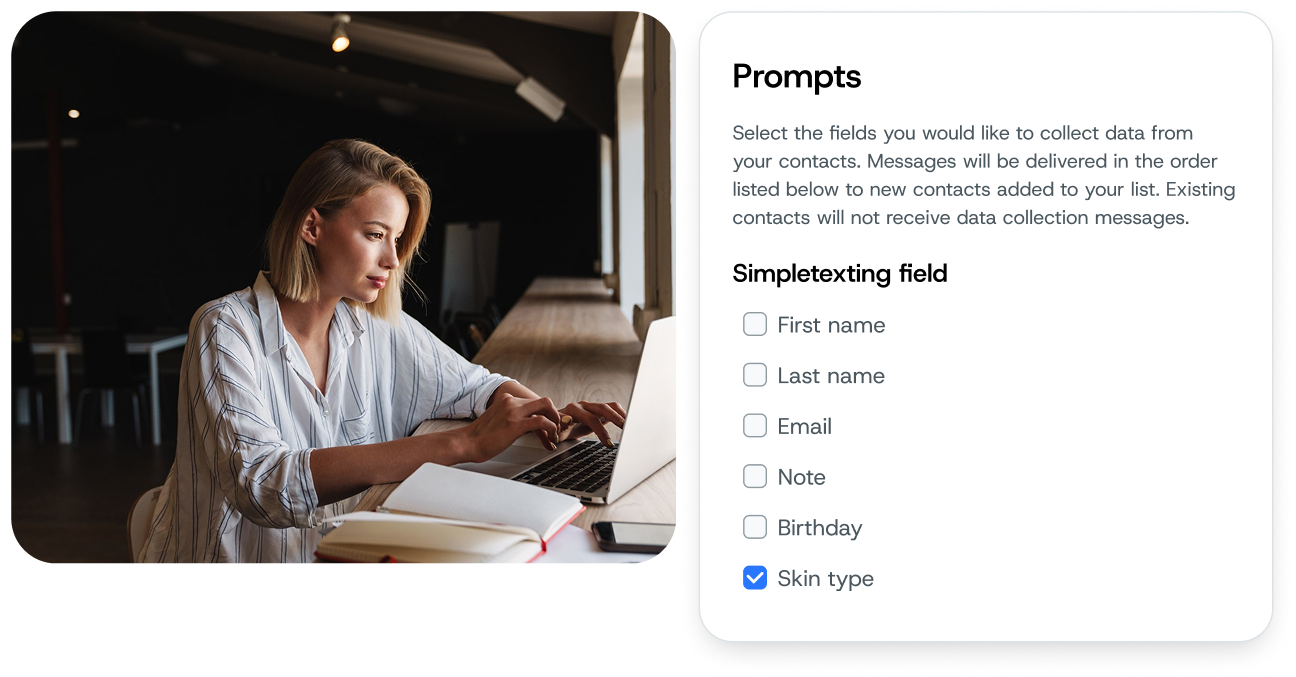
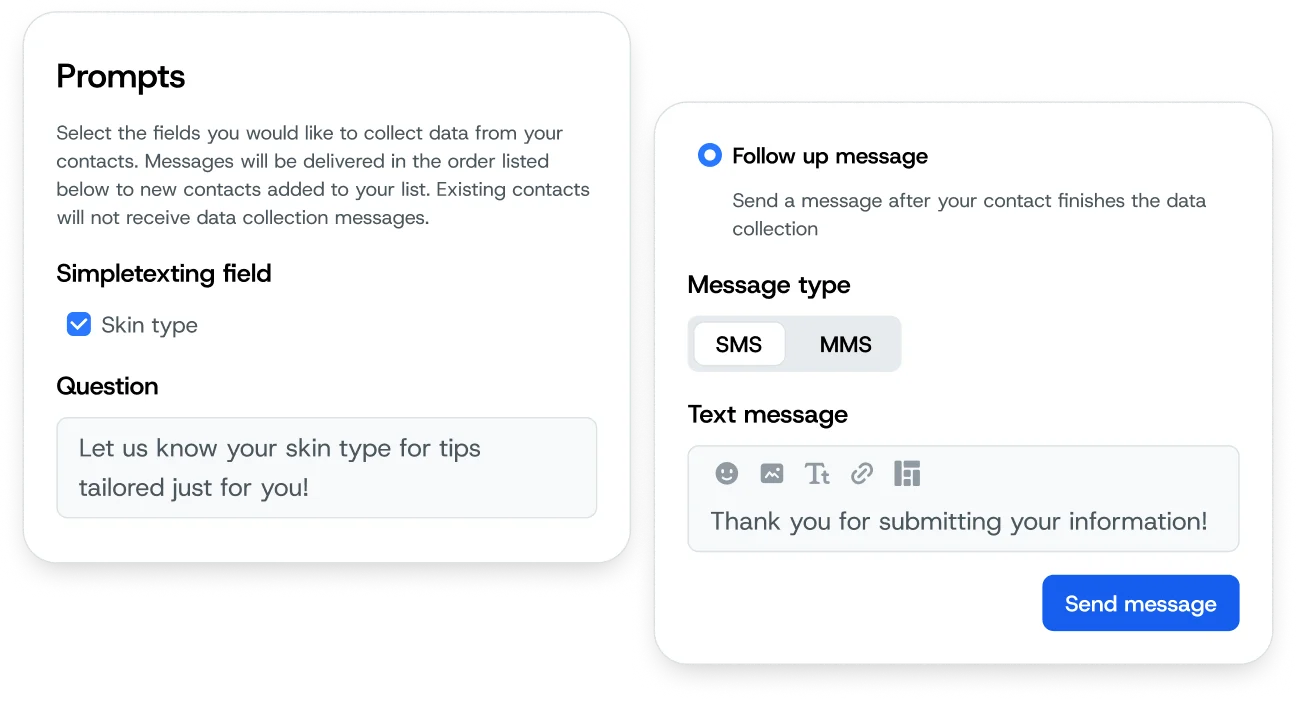
Let’s say you run a cosmetics brand and want to send messages based on contacts’ skin type. First, create a “skin type” custom field. Then create a keyword (such as SKINTYPE) and ask contacts to text it to your number with their response, which will be saved in SimpleTexting.
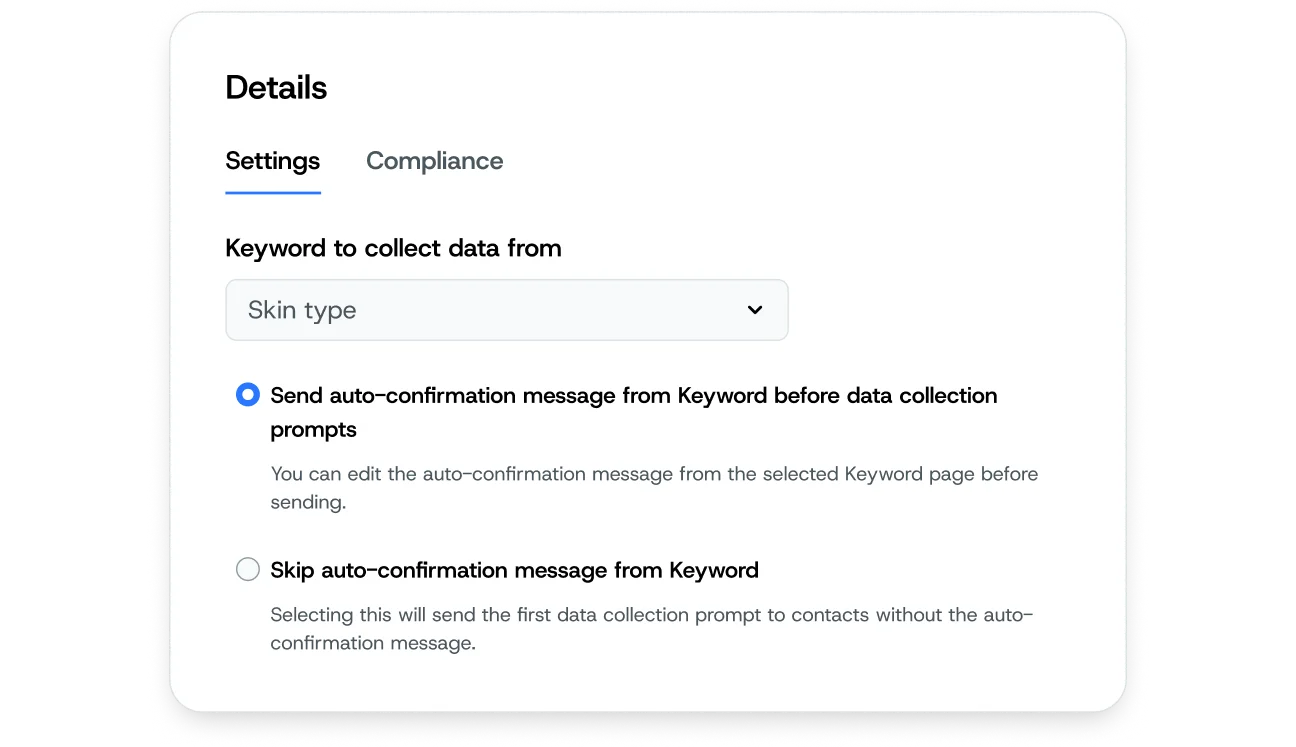
From here, you can automate a follow-up message for contacts who complete the prompt. Their responses are stored in our secure database so you can create Segments and send targeted messages to those segments. You may also export the data at any time or use our Zapier integration to sync in with another app.